A consent form your clients sign on their phone
No clipboard and no printer. The client opens a link, the easy fields are already filled, they draw their signature with a finger, and they are done.
The signature is the part people worry about, and fairly so. A photo of a paper form is not really signed. A name typed into a box is easy to argue with. So Bookatu asks the client to draw their signature, the same way they would sign the screen on a card machine.
The client's side, start to finish
There is nothing to download and no account to make. They open the link and the form is already titled for your business.
- Their contact details are filled in, so they are not retyping what you already know.
- They work down the questions: a checklist here, a yes or no there, a consent line to tick.
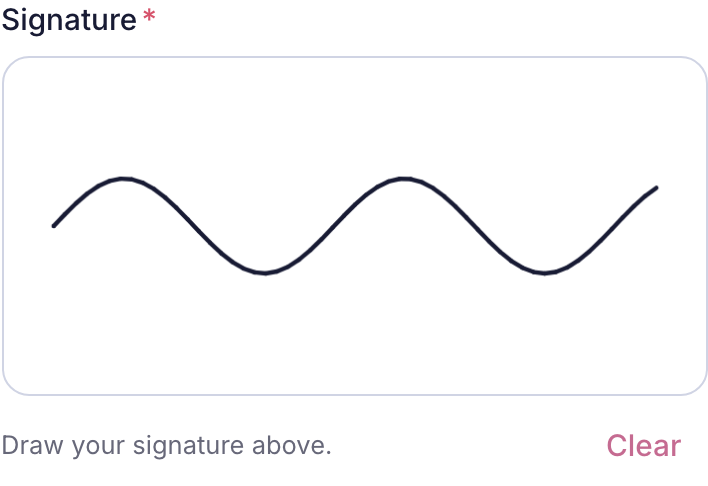
- They draw their signature in the box, and tap Clear if they want to redo it.
- They submit. If a required box was missed, the form says so instead of failing quietly.
- They see a simple confirmation that their details are in. The form cannot be filled twice.
Start to finish it is about a minute, done at home the evening before, not in your reception with a queue behind them.
The bits that fill themselves in
Name, email, phone and the appointment date come straight from the booking. It is the difference between a form that feels like homework and one that feels half done already. If anything is out of date, the client can correct it on the spot.
What you are left holding
The drawn signature is saved as an image, kept with the client's printed name, the exact time of signing and the booking it belongs to. It sits on the client's profile, ready for the next visit. For a treatment that needs a consent record, that is the record, and it is not in a drawer.
For phone bookings and walk-ins
When a booking does not come through your booking page, you are not stuck. Tap Get fill link on the forms page and text or email a fresh link. The same link works if you close it and come back, so a client can start it on the bus and finish it at home.
The clipboard was never the point. The record was. Moving the signing onto the client's phone keeps the record and loses the paper.


