Test the pixels: screenshot QA for a small team
Our test suite was green and the dropdown was unclickable. Unit tests cannot see stacking bugs, dark-theme breakage, or mobile overflow. Here is the small screenshot rig that now looks at every surface for us, and the visual bugs it catches that tests never will.
We adopted this the honest way: after shipping visual regressions that a single screenshot would have caught. A frosted panel that came out pale on dark backgrounds. A menu that rendered but could not be clicked. A search field that existed at phone width as a 65 pixel sliver. Every one of them sailed through a green test suite, because the suite was testing functions and the bugs lived in pixels.
The rig is smaller than you think
Ours is a seeded local environment full of convincing fake data, one headless login whose session is saved to disk so nothing throttles, and a loop: pages times themes times viewports. Desktop and phone, light and dark, every surface that matters. The whole thing is a short script, and a full sweep produces a folder of images in a few minutes.
import { chromium } from 'playwright'; const browser = await chromium.launch();const ctx = await browser.newContext({ storageState: 'auth.json', // login once, reuse everywhere viewport: { width: 1440, height: 900 },});const page = await ctx.newPage(); for (const [name, url] of PAGES) { await page.goto(BASE + url, { waitUntil: 'load' }); for (const theme of ['light', 'dark']) { await page.evaluate((t) => document.documentElement.setAttribute('data-theme', t), theme); await page.screenshot({ path: `shots/${name}-${theme}.png`, fullPage: true }); }}Screenshots plus proof
Images catch what eyes catch. For interaction bugs you want the browser to testify. Two one-liners do most of the work: elementFromPoint at the centre of a control tells you what would really receive the click, and getBoundingClientRect tells you whether the control actually fits the viewport it claims to support. We now assert both for anything that has burned us.
// Is the menu item really clickable, or is something invisible covering it?const hit = await page.evaluate(() => { const el = document.querySelector('[role="menuitem"]'); const r = el.getBoundingClientRect(); const top = document.elementFromPoint(r.x + r.width / 2, r.y + r.height / 2); return el === top || el.contains(top);}); // Does the search input actually fit a 390px phone?const fits = await page.evaluate(() => { const r = document.querySelector('input[name="q"]').getBoundingClientRect(); return r.right <= window.innerWidth && r.width > 200;});Both themes, every time
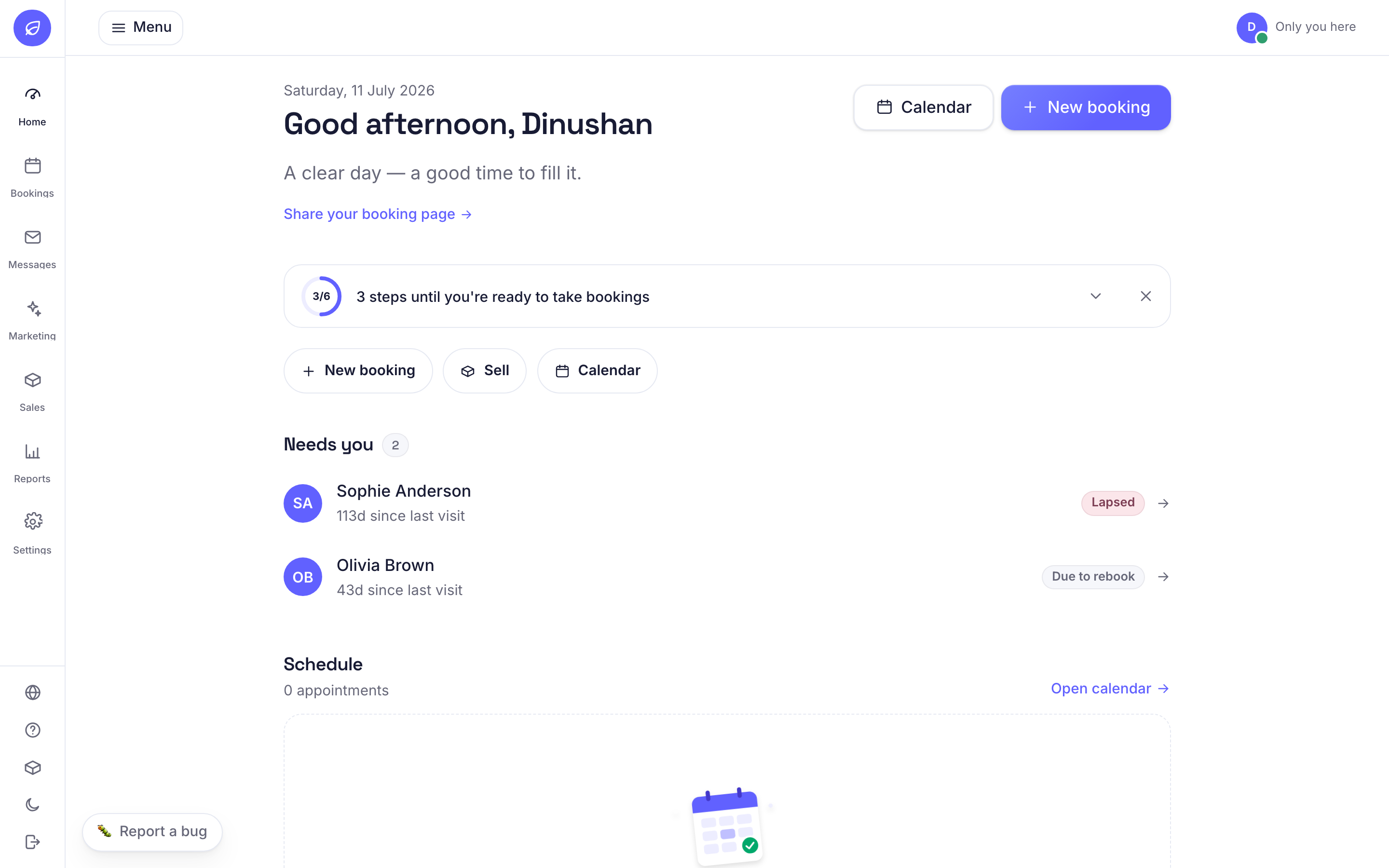
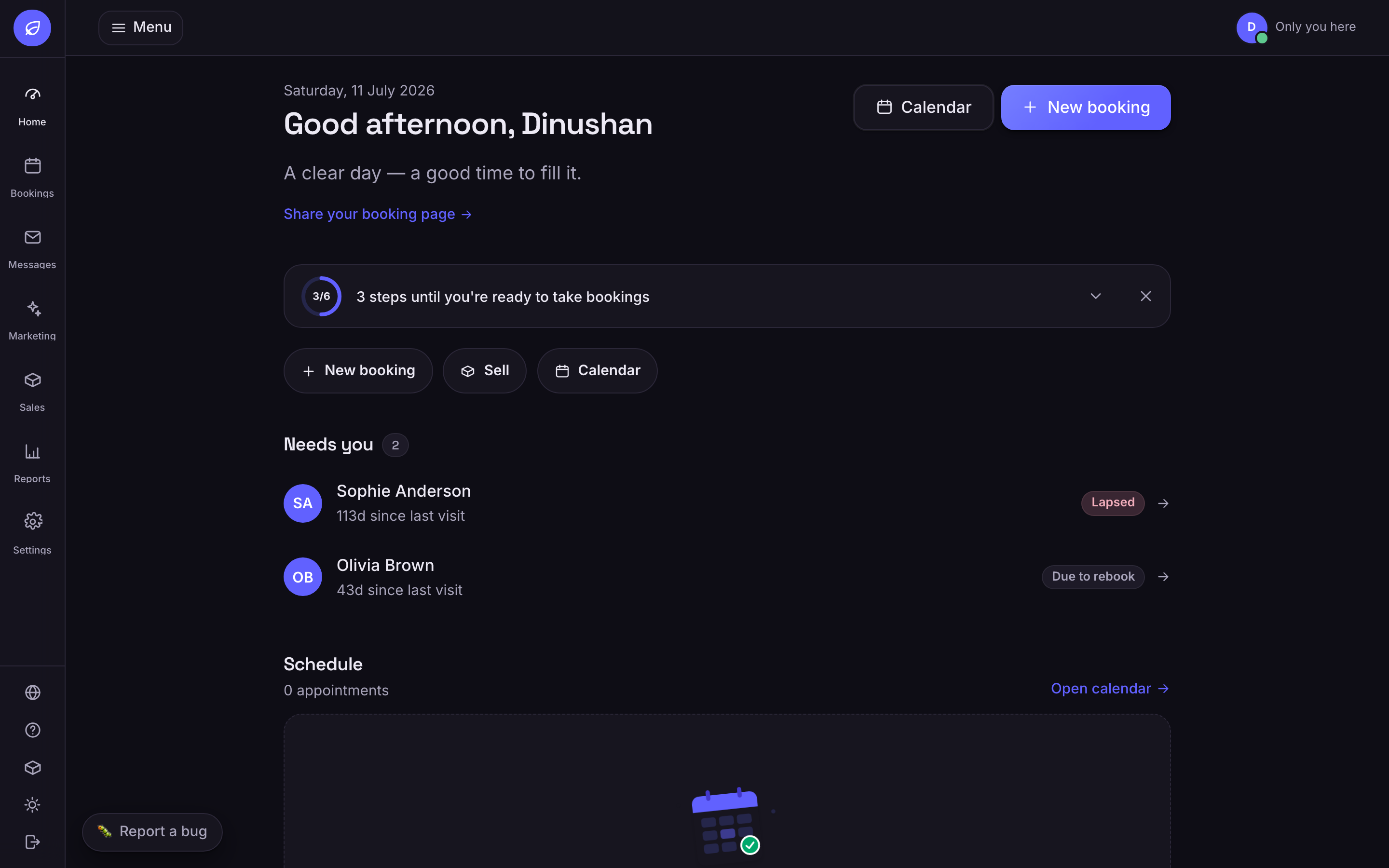
Dark mode bugs are a category of their own because they hide from developers who work in one theme. A hardcoded near-white fill looks intentional on a light page and radioactive on a dark one. Flipping the theme attribute inside the same page visit costs one line and doubles your coverage. We treat any surface that has not been photographed in both themes as untested.
What it catches
- Stacking-context bugs: rendered, visible, and unclickable. Only a hit-test sees these.
- Theme leaks: light surfaces glowing on dark pages, charts that vanish, illustrations with baked-in backgrounds.
- Phone overflow: fixed bars covering content, inputs clipped to slivers, headlines cut mid-sentence.
- Copy in context: the truncation, the contradiction, the sentence that a linter will never flag.
None of this replaces the unit suite. The suite proves the money math; the screenshots prove a human can reach the button that triggers it. A small team does not have a QA department, but a folder of fresh screenshots reviewed before every release is a decent imitation of one. The test is the looking.
Tests pass is a statement about your functions. The screenshot is a statement about your product.


