The dropdown that refused to be clicked
A menu rendered perfectly, sat exactly where it should, and swallowed every click. The culprit was an entrance animation that never really ended. A short tour of CSS stacking contexts, animation fill modes, and how to hunt bugs you cannot see.
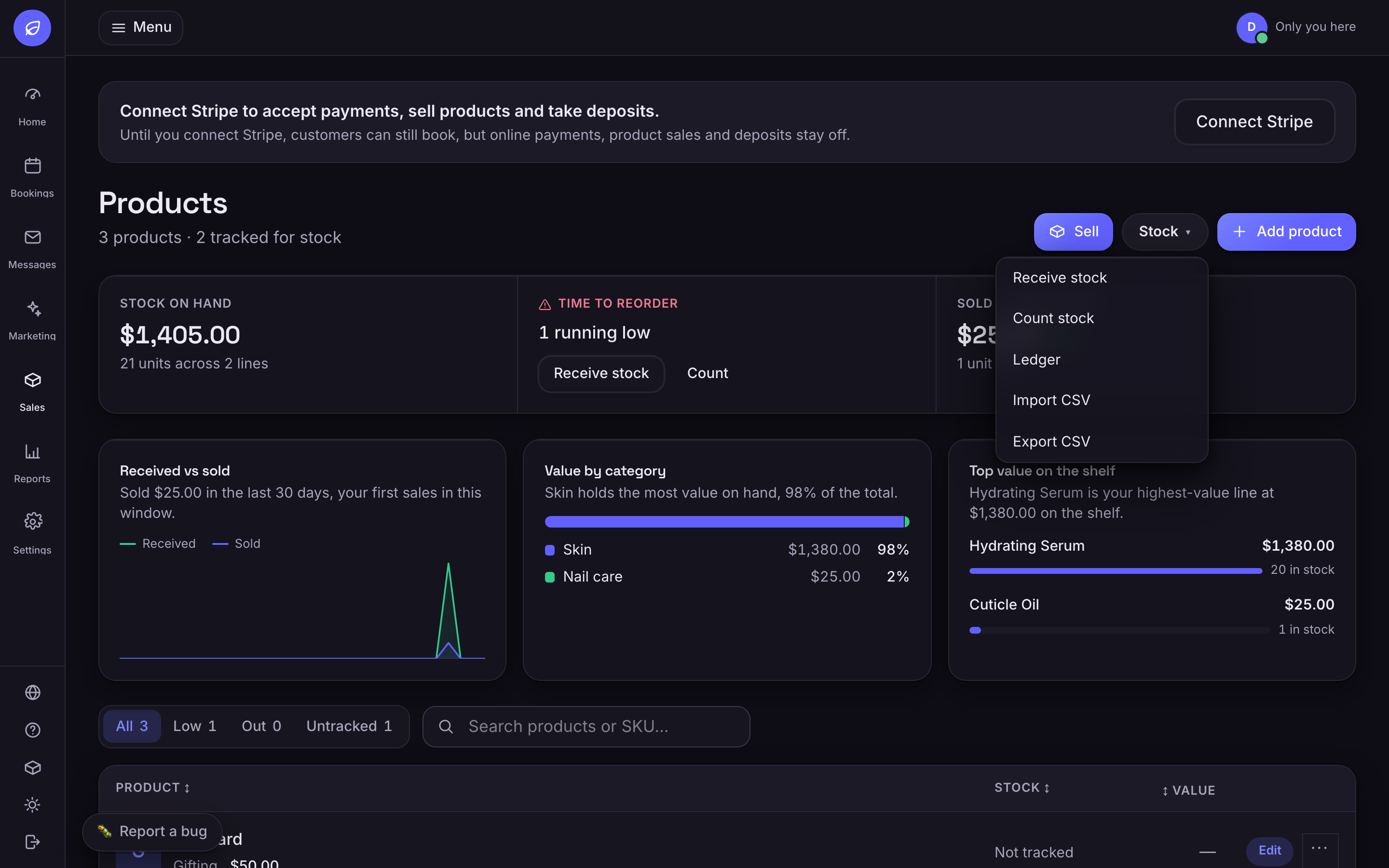
We shipped a dropdown menu that could not be clicked. It opened fine. It rendered in the right place, fully visible, correct z-index, no console errors. Clicks went straight through it into the panel underneath, as if the menu were a ghost. If you have ever fought a bug like this, you already know the disorienting part: everything looks right, and nothing works.
Finding out who is actually on top
The first honest answer came from the browser, not from reading code. document.elementFromPoint tells you which element really receives a click at a coordinate. We pointed it at the centre of a menu item, and it returned a card that sat later in the page. The menu was visually on top and physically underneath.
// Who really gets the click at this point?const item = document.querySelector('[role="menuitem"]');const r = item.getBoundingClientRect();const top = document.elementFromPoint(r.x + r.width / 2, r.y + r.height / 2);console.log(top === item || item.contains(top)); // false -> something covers it // Walk the ancestors and list everything that creates a stacking contextfor (let el = item; el; el = el.parentElement) { const cs = getComputedStyle(el); const reasons = []; if (cs.transform !== 'none') reasons.push('transform'); if (cs.filter !== 'none') reasons.push('filter'); if (cs.backdropFilter !== 'none') reasons.push('backdrop-filter'); if (cs.opacity !== '1') reasons.push('opacity'); if (cs.position !== 'static' && cs.zIndex !== 'auto') reasons.push('z-index'); if (reasons.length) console.log(el.className, reasons);}The walk found it. The header that contained the menu reported a transform, even though no stylesheet gave it one. The only transform anywhere near it was an entrance animation, a little fade-and-rise that had finished half a second after page load.
Fill modes outlive their animations
animation-fill-mode: both means the element holds the first keyframe before the animation starts and keeps the last keyframe after it ends. Keeps, forever. If any keyframe animates transform, the finished animation still applies a transform, and a transformed element becomes a stacking context. Every descendant's z-index is now trapped inside it, competing only with local siblings, never with the rest of the page.
Our page had panels after the header that used backdrop-filter, which creates its own stacking context. Two sealed boxes, and paint order between them decided by tree order, not by the z-index we kept raising in confusion. The menu could have had z-index a million. Inside its box, nobody outside could hear it.
Here is the trap inside the trap. We changed the final keyframe to transform: none, reasoning that the retained value would then be harmless. The computed style still reported a matrix. Browsers resolve an applied animation's transform as a matrix value, and identity matrix still counts as a transform for stacking purposes. The stacking context survived our fix.
/* BAD: the finished animation keeps applying its last keyframe forever. The header remains a stacking context for the life of the page. */.enter { animation: rise 0.5s ease-out both;} /* GOOD: fill backwards only. The element returns to its natural state after the animation, which is identical to the final keyframe anyway. */.enter { animation: rise 0.5s ease-out backwards;} @keyframes rise { from { opacity: 0; transform: translateY(10px); } to { opacity: 1; transform: none; }}The rule we wrote down
Entrance animations on containers fill backwards, never both. Backwards covers the only gap that matters, the frames before a delayed animation starts. Once the animation ends, the element detaches from it completely and stops being a stacking context. The visual result is identical because a well-built entrance ends at the element's natural state.
- Trust elementFromPoint over your eyes. Visual order and hit-testing order can disagree, and only one of them takes the click.
- When z-index stops making sense, stop raising it and start hunting stacking contexts. The ancestor walk above takes a minute.
- Audit what your finished animations leave behind. getComputedStyle on a quiet page tells you what is still applied.
- Filled transforms are transforms, even when the keyframe says none.
The animation was half a second long. Its side effect had no end time at all.

