Smart waitlist
Fill cancellations with your most valuable clients first.
What it is
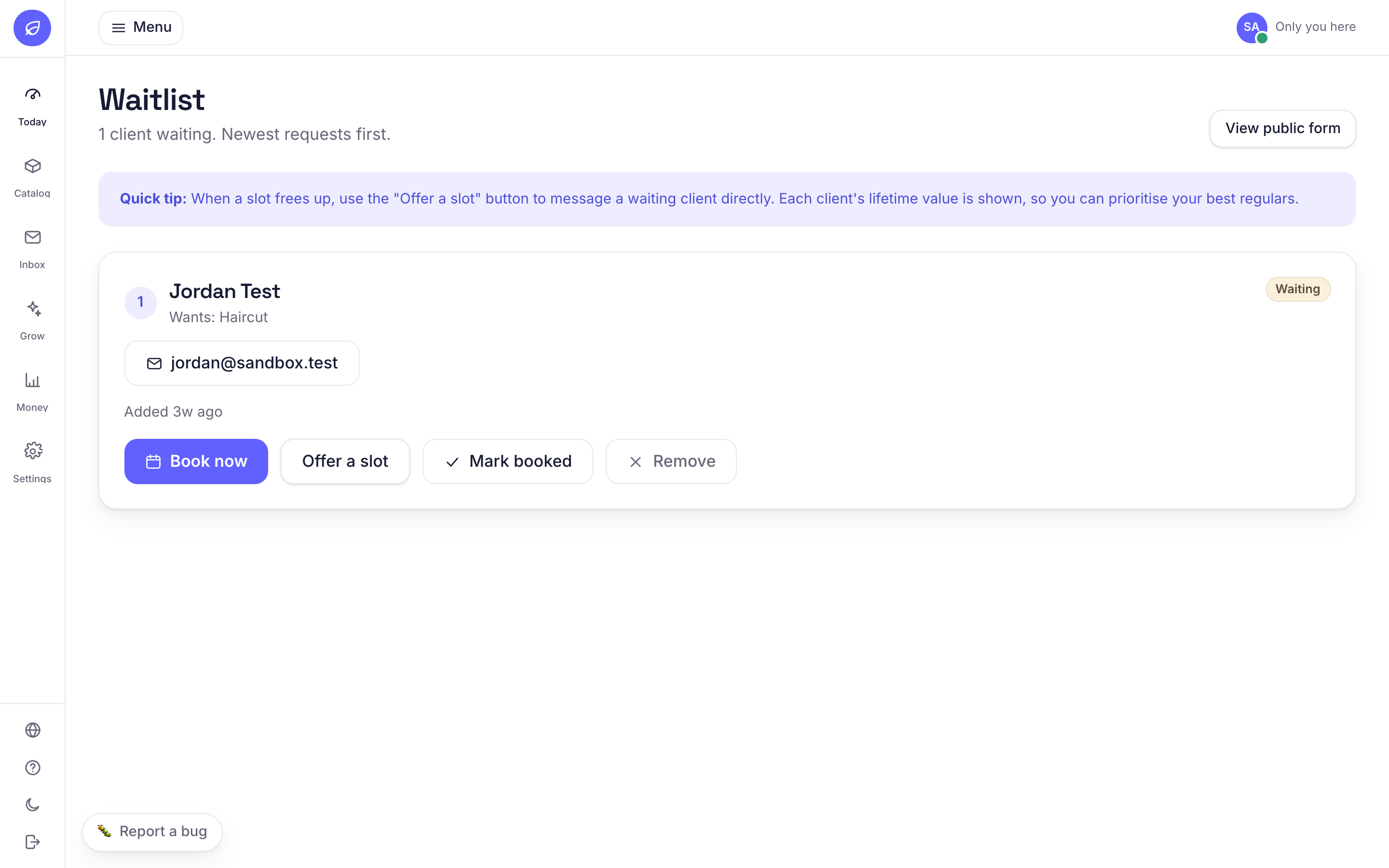
When you are fully booked, clients can join a waitlist. When a slot opens, you see the waiting list ranked by how much each client spends with you, so you can offer the spot to your best client first.
Why it helps
Cancellations stop being lost money. You fill the gap, and you reward your highest value clients.
How to use it
- 1Clients join automatically from the booking page when a day is full.
- 2Open Today, Waitlist to see who is waiting, ranked by value.
- 3Tap a client to offer them the open spot by message.
Related guides
Was this helpful?
Didn’t find what you need?
Contact support or browse the FAQ.