The calendar
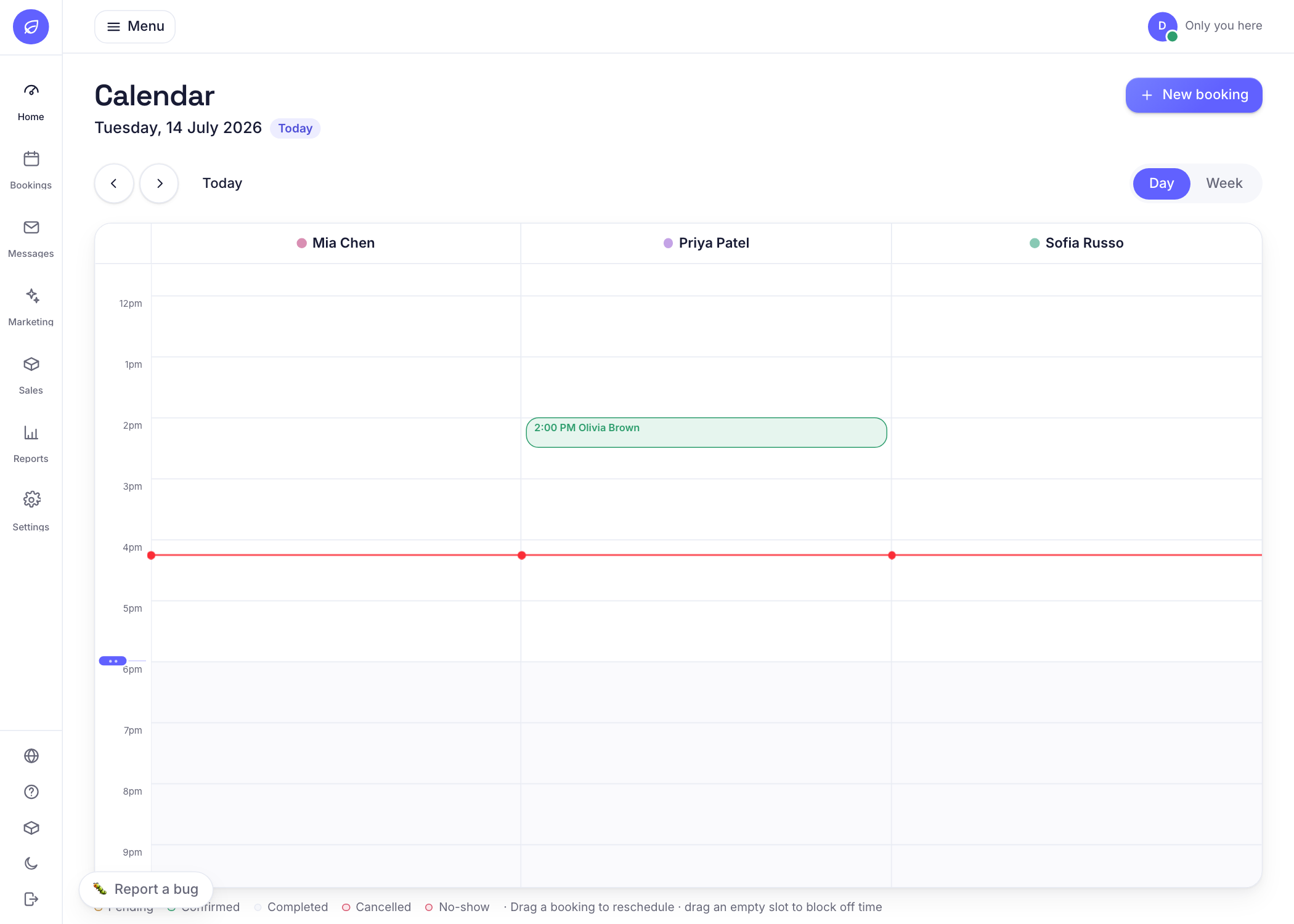
Your whole day at a glance. Drag to reschedule.
What it is
A live view of every booking, colour coded by status. You can drag a booking to a new time, add notes, and see gaps.
Why it helps
It is the one screen your front desk lives in. Moving a client is a drag and drop, not a phone call.
How to use it
- 1Open Today, Calendar.
- 2Drag any booking block to a new time or staff column to reschedule.
- 3Click a booking to see details, add a note, or mark it complete or a no-show.
Related guides
Was this helpful?
Didn’t find what you need?
Contact support or browse the FAQ.