Reviews and the Google flywheel
Collect reviews and send happy clients to Google.
What it is
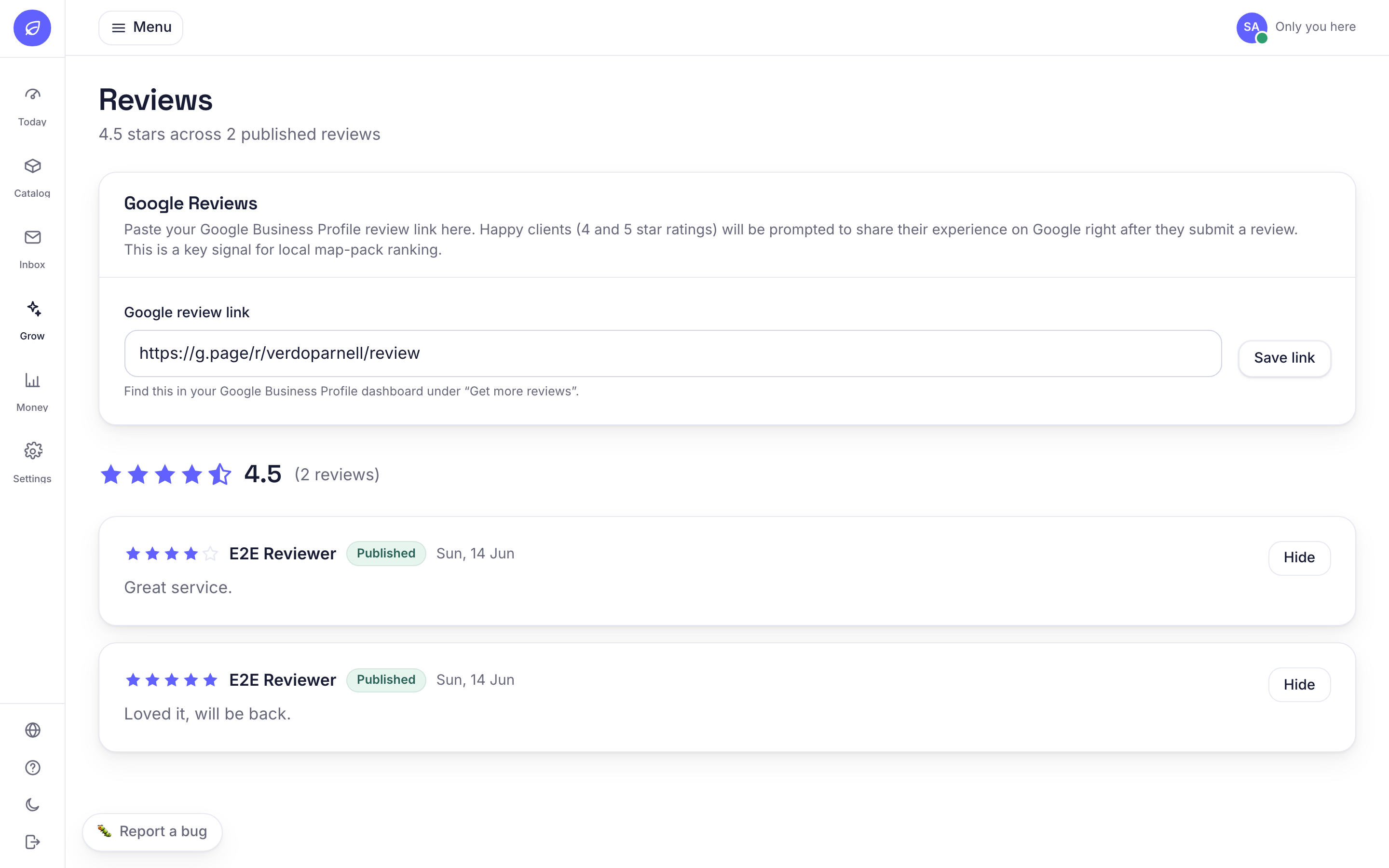
After a visit, clients can leave a review. If they are happy (4 or 5 stars) you can point them to your Google page. Unhappy feedback stays private so you can fix it.
Why it helps
Recent Google reviews are one of the biggest things that get you found by new local clients.
How to use it
- 1Add your Google review link under Grow, Reviews.
- 2Review requests are sent after appointments are completed.
- 3Happy clients see a 'share on Google' button.
Related guides
Was this helpful?
Didn’t find what you need?
Contact support or browse the FAQ.