Adding your team
Give staff their own logins and bookable calendars.
What it is
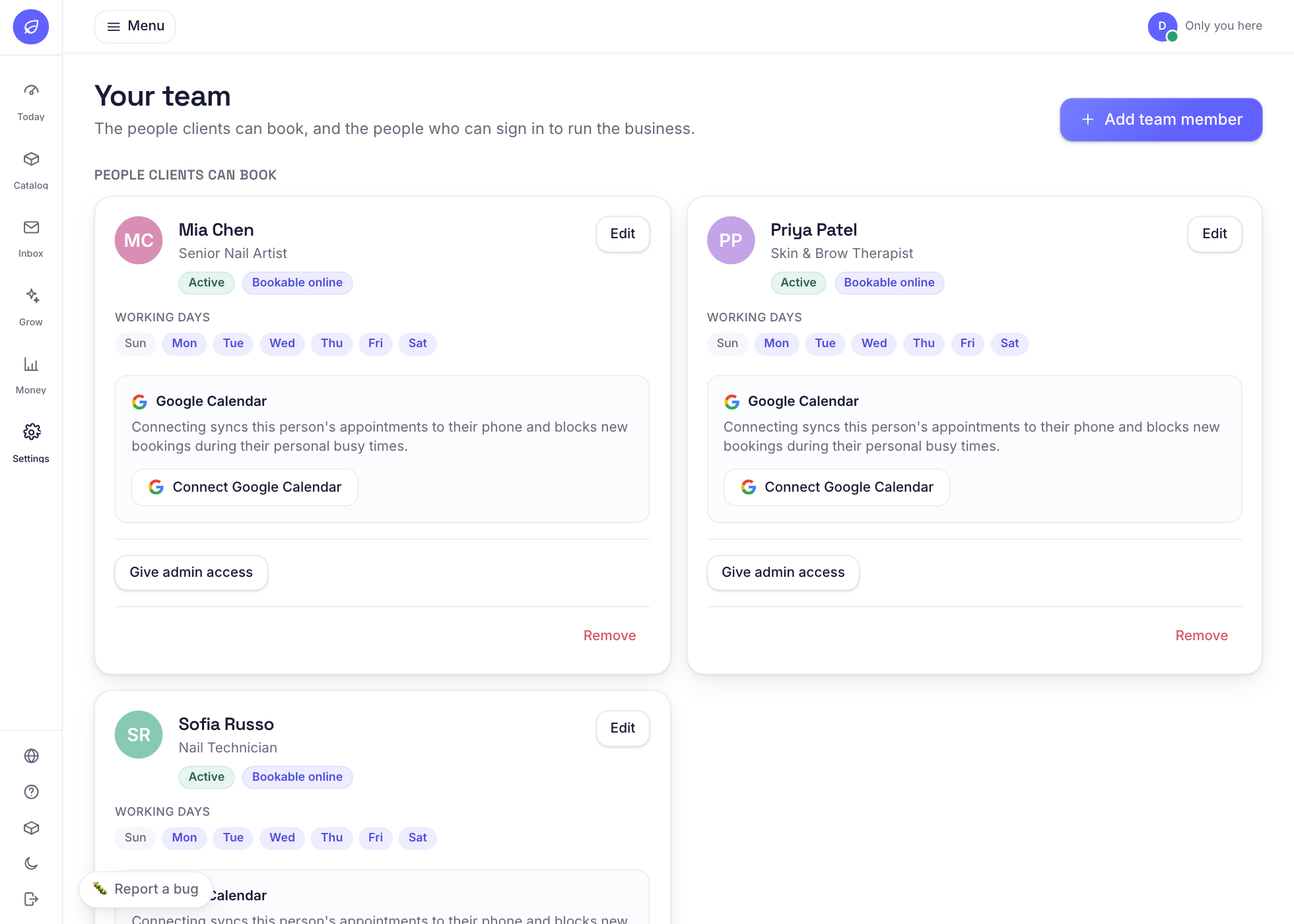
Each team member can have their own account and their own set of services and hours. Clients can pick who they want to see.
Why it helps
Everyone sees only their own day, bookings are shared out correctly, and you avoid double bookings.
How to use it
- 1Open Settings and tap Team and add each person.
- 2Tick which services they offer and set their working days.
- 3Turn 'bookable' on for anyone clients should be able to choose.
Related guides
Was this helpful?
Didn’t find what you need?
Contact support or browse the FAQ.