Intake and consent forms
Have clients fill health or consent forms, and draw their signature, before they arrive.
What it is
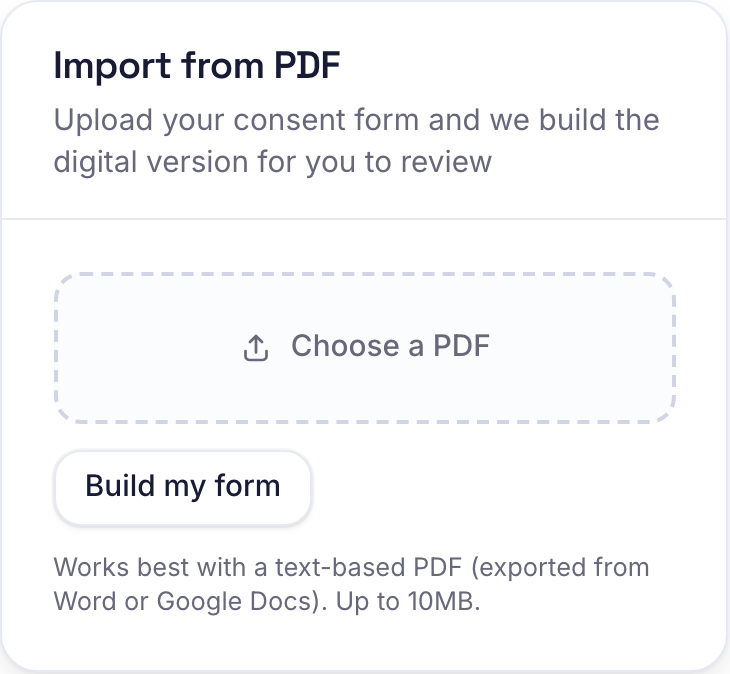
Build an intake or consent form with the fields you need (a health history, consent statements, a signature and more), attach it to the services that need it, and clients fill and sign it on their phone before their visit. Already have the form on paper? Upload the PDF and we build the digital version for you to review.
Why it helps
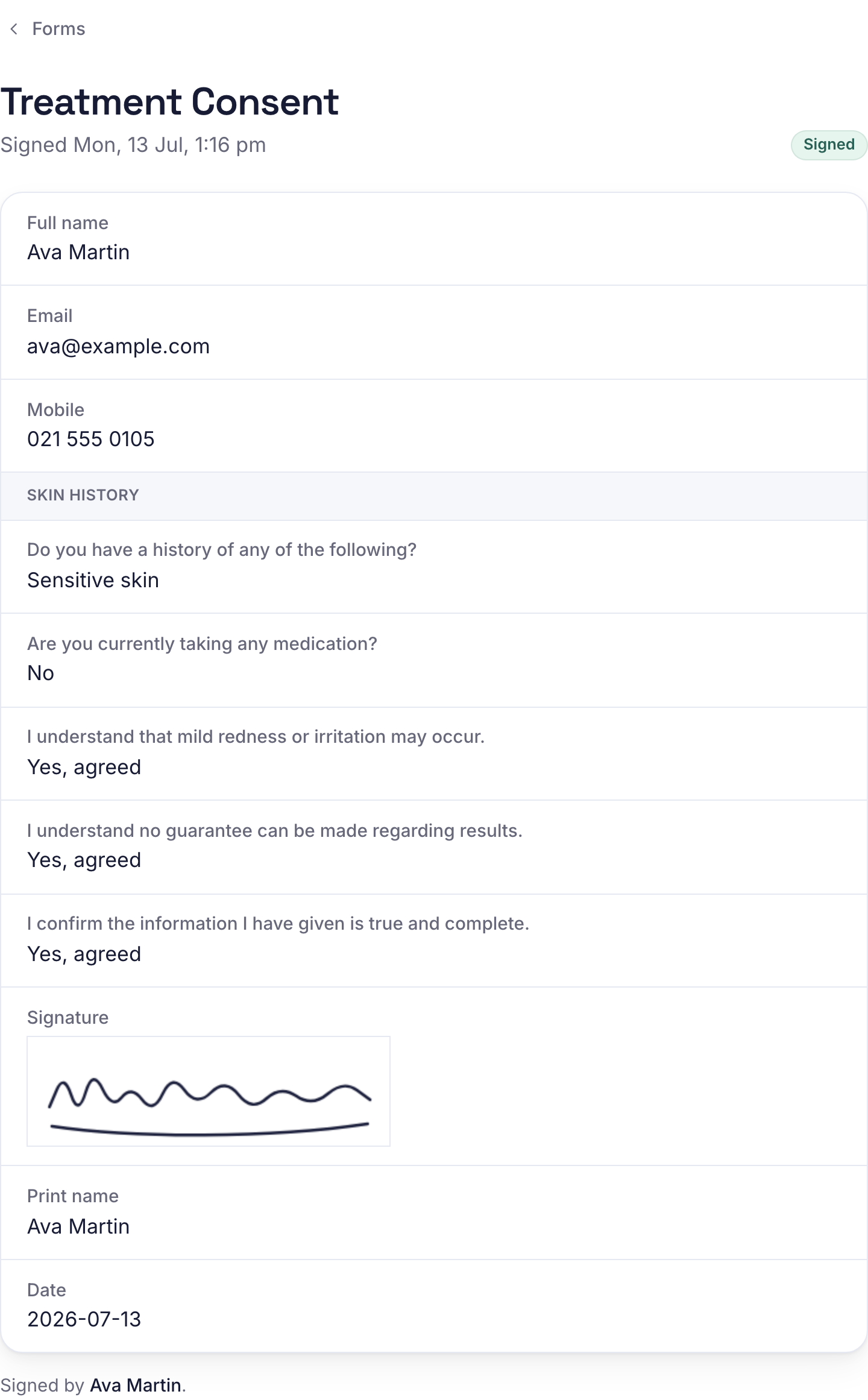
No more paper and clipboards, and the first ten minutes of a visit go to the treatment, not admin. You get a signed record, with the client's drawn signature and the exact time, kept on their profile for any treatment that needs one.

How to use it
- 1Go to Catalog, then Forms. Build a form by adding fields, or upload your existing PDF under Import from PDF and we draft it for you to check.
- 2Review the draft, fix anything the scan missed, and reorder fields with the up and down arrows. Use Edit any time to change a form later.
- 3Tick which services require it, then turn it on.
- 4When a client books that service they get a link to complete it, filled in with their details. They tick the consent lines and draw their signature. You can also tap Get fill link to share it any time.
- 5See who has signed on the Forms page: each form shows how many are signed, and View responses lists every submission. A signed form also shows on the client's profile.
Related guides
Was this helpful?
Didn’t find what you need?
Contact support or browse the FAQ.