Add booking to your own website
Paste one line of code to put booking on Squarespace, WordPress, Wix, Shopify or any other site.
What it is
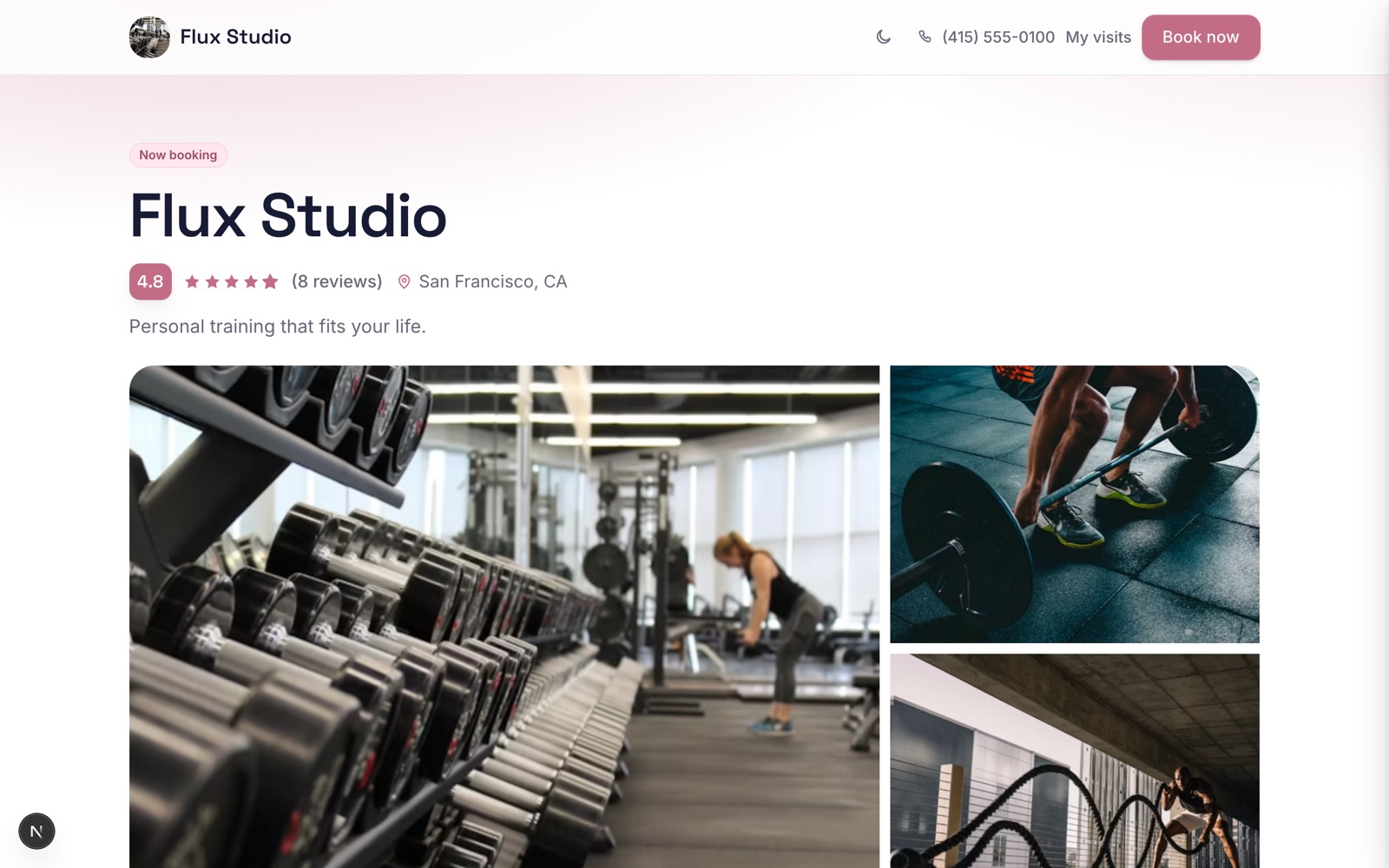
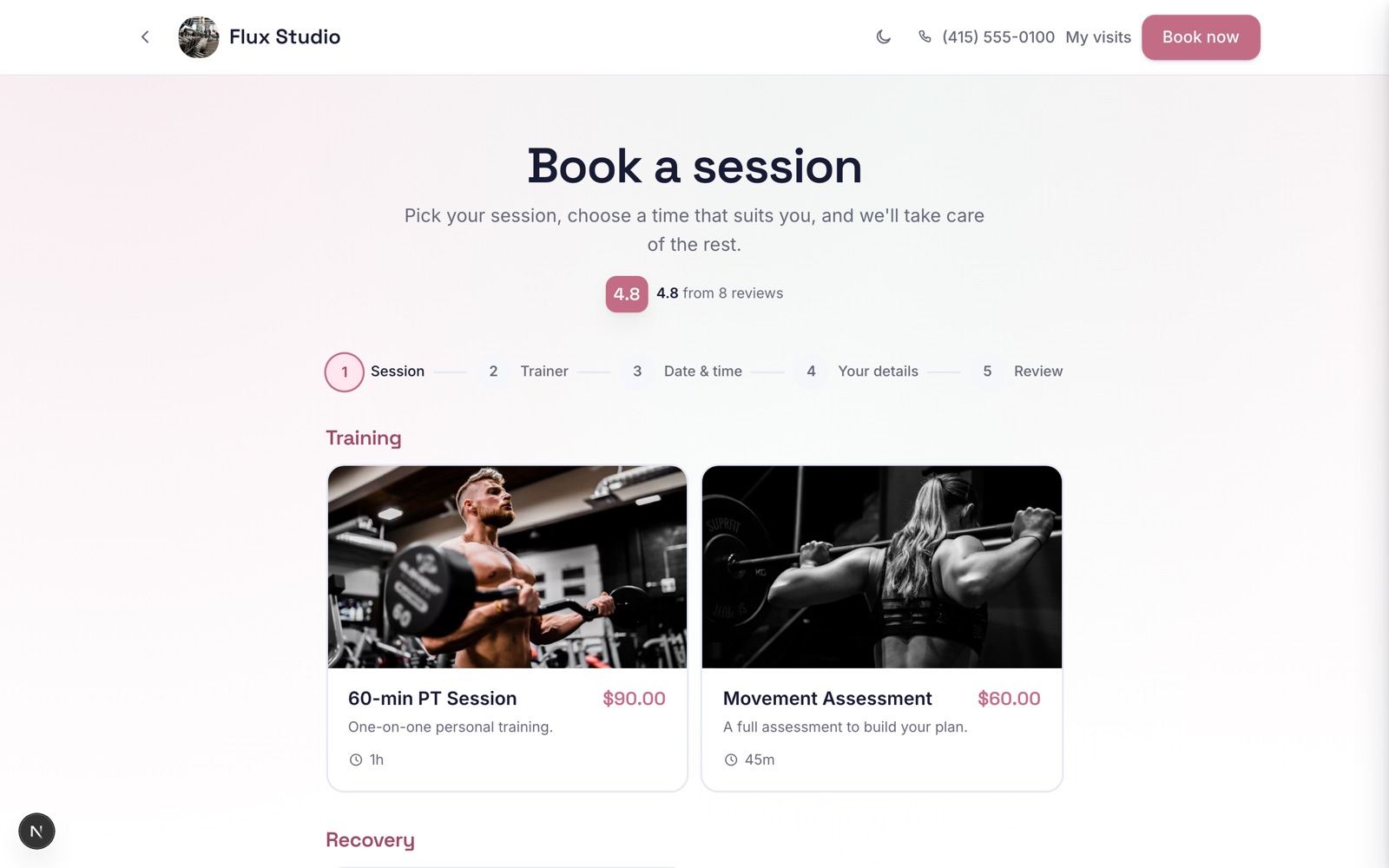
One small snippet you paste on the website you already have. It can be a Book now button, your whole services menu inside the page, a pop-up that opens over your site, or a button that floats on every page. If your site already has a Book now button you like, you can keep that one. The snippet just takes the click.
Why it helps
Your visitors are already on your website. This turns them into bookings in minutes, with no plugin to install and nothing for a web designer to build. The pop-up keeps people on your own site all the way to the confirmation, instead of sending them somewhere else to finish.
How to use it
- 1Go to Grow, then Website widget, and choose how it should look: a button, your menu inside the page, a pop-up, or a floating button.
- 2Set the text and colour. To make a button that books one particular service, choose that service under Opens at.
- 3Copy the snippet and paste it into your site: a Code block in Squarespace, a Custom HTML block in WordPress, an Embed HTML element in Wix, a Custom Liquid section in Shopify.
- 4For the floating button, paste it once into your site's footer or custom code settings instead, and it appears on every page.
- 5To open at one person, one branch or one day, or with a promo code already entered, choose them in the builder too. The button, the pop-up, the menu and the floating button all keep them, and a booking that came from an ad or a newsletter link to your site shows that campaign under Came via.
- 6To count bookings in Google Analytics, Google Ads, Tag Manager or the Meta pixel, use the events the widget sends to your page: one for each step, and one when someone books, with the service and its price. They never include your client's name, email or phone. The widget only uses tags your site already loads, so your cookie banner stays in charge.
- 7Under Only allow your own websites, add your domains. Visitors' browsers then refuse to show the widget on any other site, at every step of a booking.
- 8Publish the page and check it there. Site builders block scripts in preview mode, so the widget only comes alive once the page is published.
Related guides
Was this helpful?
Didn’t find what you need?
Contact support or browse the FAQ.